How to Save Recipes from TikTok and Instagram (So You Actually Cook Them)
Saved a hundred recipe videos and cooked three? Here are four ways to keep recipes from TikTok and Instagram, and how to turn them into dinners you'll actually make.
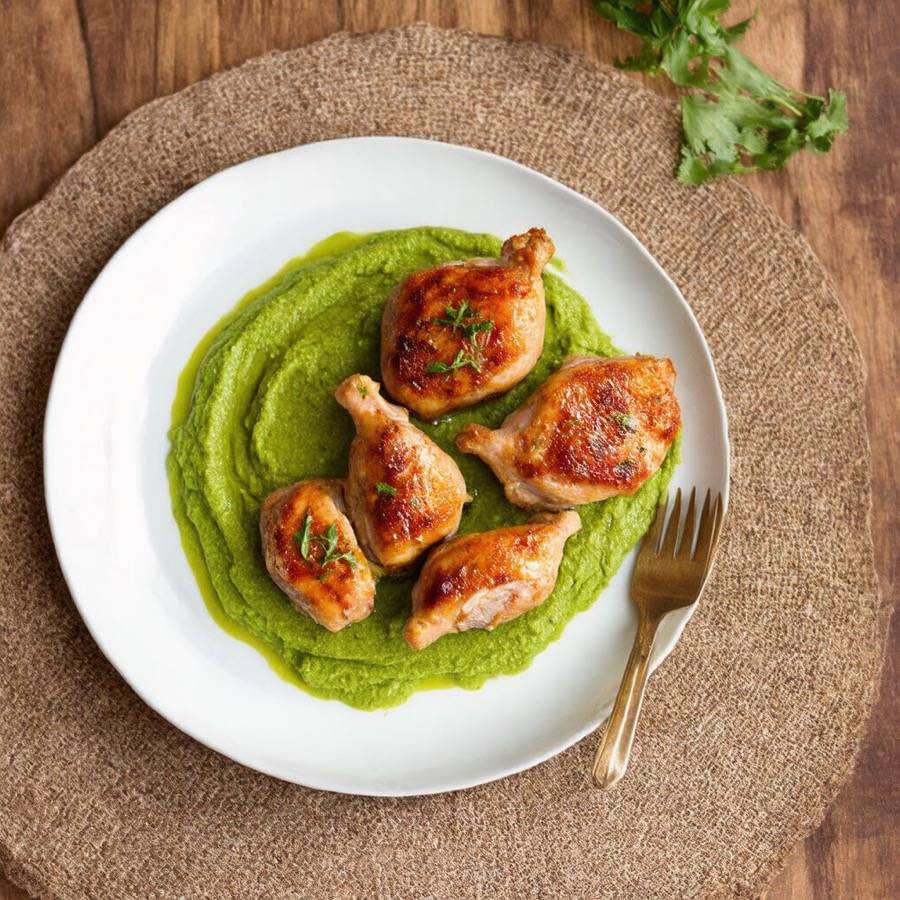
You see it at 10pm: a 40-second video of crispy chicken and a bright green purée, and you think "I'm making that this week". You tap save. Then it disappears into a folder with 300 other videos, and on Wednesday night you make pasta again.
Saving recipes from social media is easy. Finding them again, working out the quantities and shopping for them is the hard part. Here are four ways to keep the recipes you find on TikTok and Instagram, from quickest to most useful.
1. Use the app's own save button
Both apps have a built-in way to keep posts:
- TikTok: tap the bookmark icon on a video to add it to your Favourites. You can sort favourites into collections, such as "Weeknight dinners" or "Baking".
- Instagram: tap the bookmark icon under a post or reel to save it. Tap and hold to add it to a collection.
Good for: keeping a post in one tap.
The catch: you can't search by ingredient, the recipe is often half in the video and half in the caption, and if the creator deletes the post, it's gone. There's no shopping list either.
2. Screenshot the recipe
If the creator puts the ingredients and method on screen or in the caption, a couple of screenshots keep the recipe even if the post disappears.
Good for: recipes you'd hate to lose.
The catch: screenshots pile up in your camera roll with everything else, and you can't scale them or tick off ingredients.
3. Copy the caption into a note
Many creators write the full recipe in the caption. Copy it into your notes app with a link back to the post.
Good for: recipes with a complete written caption.
The catch: it's slow, and a folder of notes still won't tell you what to buy or what you already have.
4. Share it to a recipe app
A recipe app can read the post for you and turn it into a proper recipe: ingredients, method, servings and a link back to the creator. This is the option that turns "saved for later" into "cooked this week", because the recipe sits next to your meal plan and shopping list.
When you're choosing an app, look for:
- Share sheet support, so saving takes two taps from inside TikTok or Instagram.
- Caption reading, because that's usually where the recipe lives.
- Credit to the creator, with a link back to the original post.
- Somewhere for the recipe to go next: a meal plan, a shopping list and a cook mode.
How to save a recipe to Pantry Bliss
Pantry Bliss does this from the iPhone share sheet:
- Open the recipe post or video in TikTok, Instagram, YouTube or Pinterest, or a recipe page in Safari.
- Tap Share, then choose Pantry Bliss. (If you don't see it, swipe to the end of the app row, tap More and add it.)
- Tap Save recipe. Pantry Bliss reads the page and its caption, and you'll get a notification when the recipe is in your household's cookbook.
From there you can see which ingredients are already in your pantry, add the recipe to your week, send what's missing to your shopping list, and cook it step by step with the voice guide reading each step aloud.
Imported recipes stay private to your household and always credit the original creator. If a video only says the recipe out loud and the caption doesn't include it, take a screenshot of the ingredients and method and import that instead.
Make the recipes you save
A few habits help saved recipes make it to the table:
- Save with a plan in mind. When you save something, add it to a day this week, not "someday".
- Check what you already have. A recipe that uses up the spinach in your fridge is the one you'll actually make. Our guide to cooking with what's in your fridge has a simple formula.
- Follow the creator. If you love their recipes, follow and like the post. Saving the recipe shouldn't mean skipping the person who made it.
Saving is the easy part. The trick is putting the recipe somewhere it can become dinner.
- #recipes
- #guides
- #pantry bliss